
Venue guides / Free games for quieter nights
A little friendly rivalry. A reason to come out.
Quiet night?
Give them something
to turn up for.
The lights are on. The bar is ready. Now give your regulars a reason to bring their mates. Free games and quizzes can turn an ordinary evening into something worth putting in the group chat.

A quiet evening needs
a reason to leave the sofa.
“We’re open on Tuesday” is useful information. “We’re running a free football cup on Tuesday—get your team together” gives people a plan. The difference is an activity they can picture themselves joining, and somebody they want to bring along.
You don’t need to start with a huge production. Choose one of your quieter evenings, give it a name and make the invitation simple. A quiz gives teams time to settle in. A few alpaca races bring a quick burst of cheering. A football tournament gives different groups something to compete for.
With these three free games, guests take part from their phones while your main screen shows the event. The room can follow the questions, races, matches and results together. The entertainment becomes something everyone shares.
Free game · Play from your phone
Alpaca Dash
A race night with a wonderfully woolly twist.
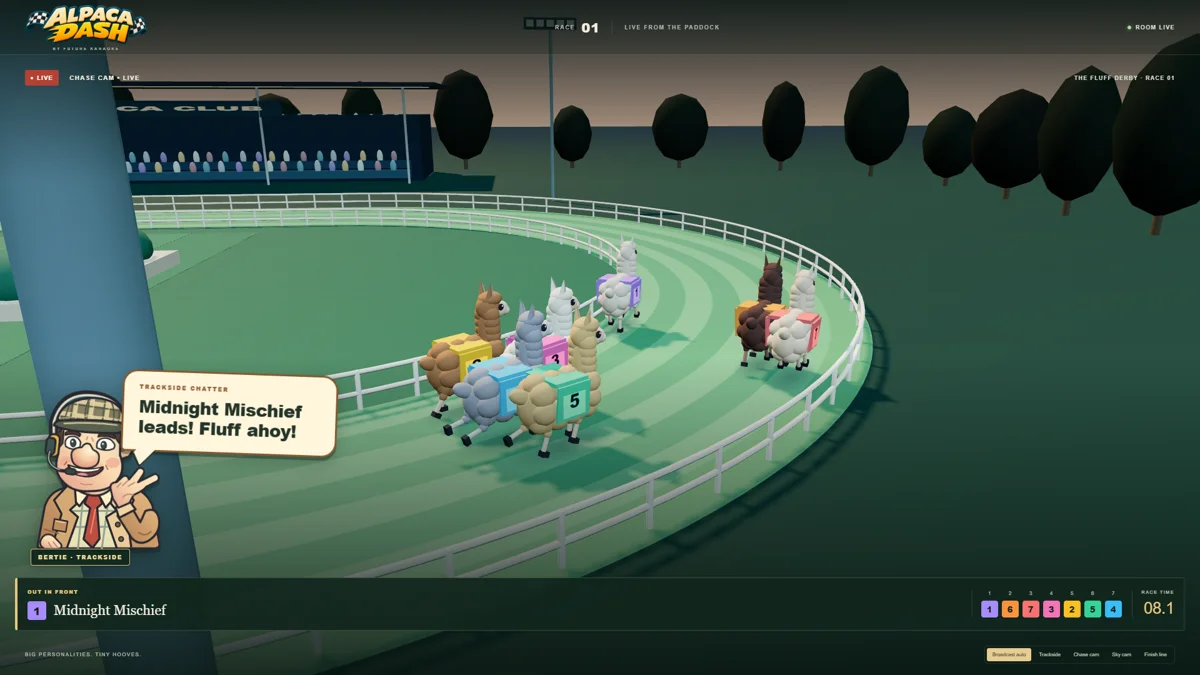
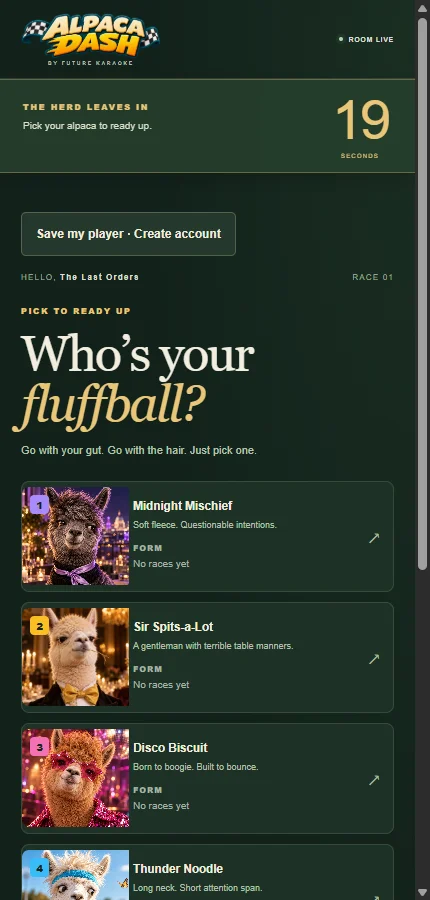
For an easy alternative to horse racing, send a field of colourful alpacas charging around the course. Guests join on their phones, pick their favourite and watch the main-screen broadcast together. The fun is in the running commentary, the changing places and the collective shout at the finish.
Try it as a short race night, or use a few races between quiz rounds. Keep the invitation friendly: pick an alpaca, watch the race and see who gets bragging rights.

Free game · Play from your phone
Quiz Player
A proper quiz night. A whole room thinking together.
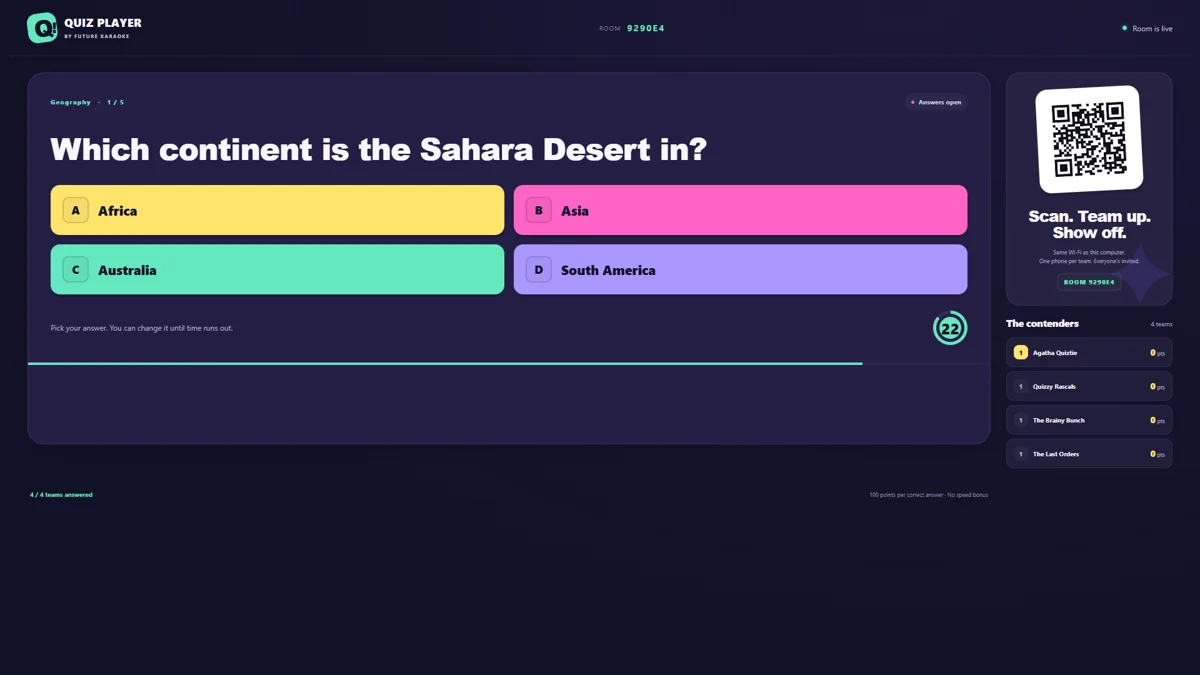
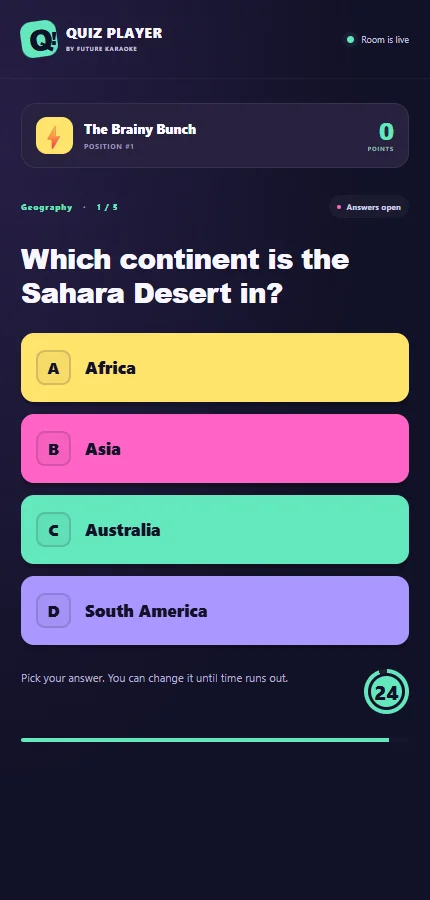
Audience quizzes lasting over an hour give you room for several rounds, answer reveals and a little friendly rivalry. Teams answer from their phones while the main screen carries the questions, scores and results. It’s a natural fit for the regulars who already have a favourite table—and the friends they keep meaning to bring.
Choose a suitable quiz pack, agree your start time and leave a sensible break between rounds. Quiz Player hosts imported quiz packs for free; creating or editing packs in Quiz Hub requires a Future Karaoke licence.

Free game · Play from your phone
Flick Football
The pub cup starts here.
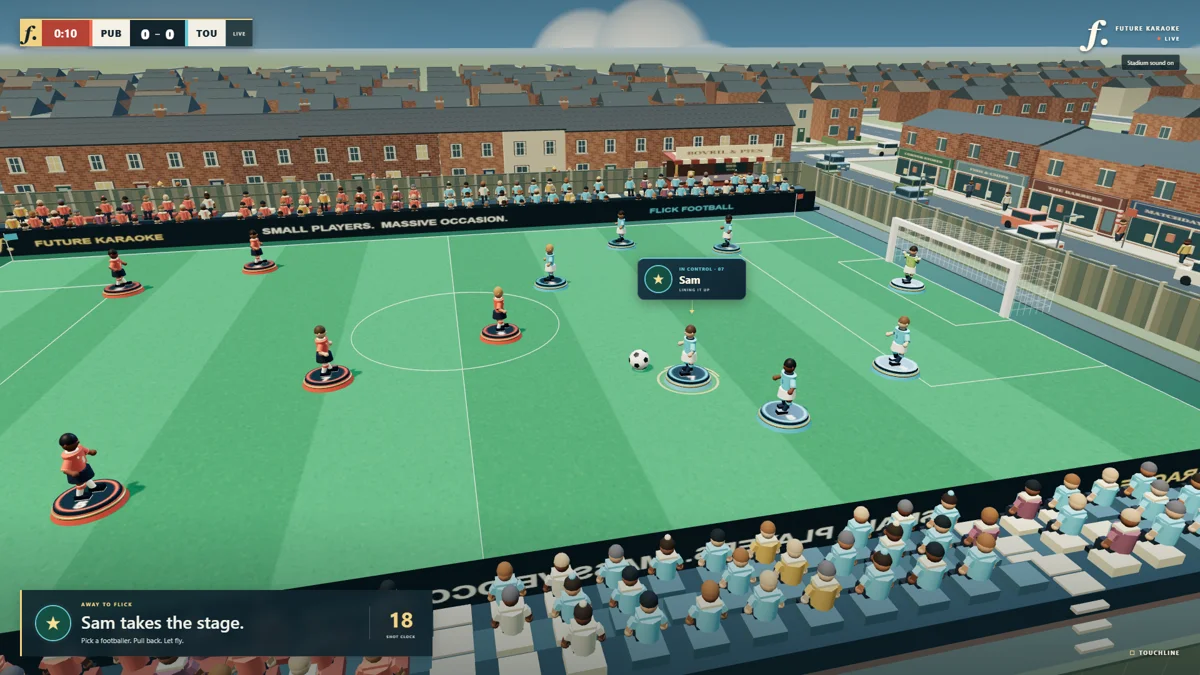
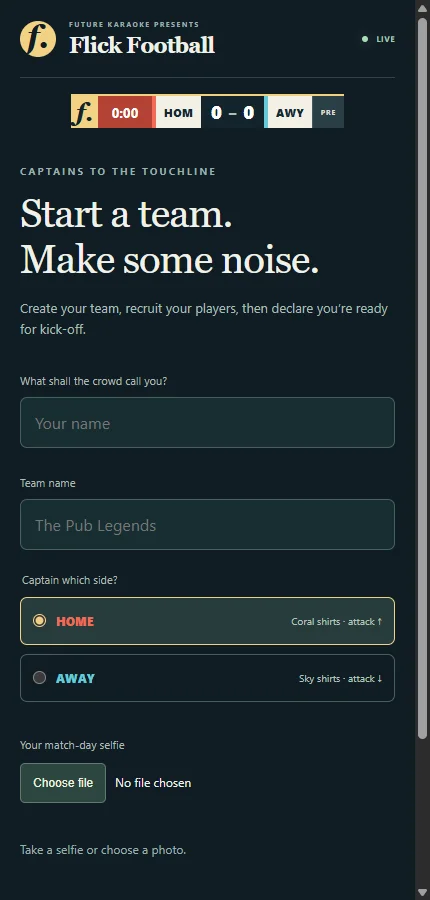
Turn a quiet evening into a Subbuteo-style team tournament. Guests form teams and take turns playing from their phones, with the action unfolding on the main screen in a miniature stadium. The knockout draw gives the room a story to follow: who’s playing, who’s through and who’s getting closer to the trophy.
Invite regular groups to enter a team, give them a clear arrival time and explain how the cup works before kick-off. Those waiting for their fixture can follow the match and cheer on—or size up—the competition.

Give the evening a plan
Free software is the start.
A good invitation gets it moving.
01 / PICK YOUR NIGHT
Start with one quiet slot.
Choose a day you want to build, rather than adding another event to your busiest evening. Start with one game and one clear time. A regular slot is easier for people to remember and arrange around.
02 / MAKE IT EASY TO SAY YES
Tell people what to expect.
Put the game, date, start time and how to join on a poster and your venue’s social page. If you’re running free entry, say so. Explain that guests use their phones and the room follows the action on your screen. Give teams a little time to arrive and join before play starts.
03 / INVITE THE FIRST TEAMS
Begin with the people already at the bar.
Ask a few regular groups if they fancy bringing a team. Put a small sign on the tables and let staff mention the night in conversation. Give customers something specific to pass on: “Tuesday, half seven, bring a team.”
04 / REHEARSE THE SIMPLE BITS
Make the first five minutes welcoming.
Install your chosen game, connect your computer to the main screen and try joining from a phone before the event. Check the room can see the screen and hear the action. Have someone ready to welcome newcomers, explain the game and help the first teams get connected.
05 / GIVE THEM A NEXT TIME
Finish with another date in the diary.
Celebrate the winners, thank the teams and announce the next evening while everyone is still together. Afterwards, compare attendance and takings with a normal quiet night, note the staff time involved and ask what people enjoyed. Use that to decide what earns a regular slot.
One way to try it
Your first free games evening
7:00pm: Welcome guests, get phones connected and explain the plan.
7:30pm: Start your chosen quiz or football cup. Allow the time your pack or team draw needs.
Between rounds or fixtures: Leave a breather. A short Alpaca Dash race can give everyone a quick shared moment.
At the finish: Celebrate the result and invite everyone back for the next date.
Give the group chat something to work with.
A short invitation is often all you need to get the first conversations going. Adapt this with your venue, date and chosen game:
“Tuesday needs a bit of competition. Free games night at [venue], starting [time]. Bring your mates and your phone—we’ll put the action on the big screen. Who’s bringing a team?”
“Free” here means the game software costs nothing to play. Use the computer, main screen, internet connection and sound setup you already have where suitable; allow for your usual running costs and staff time. All three games are currently in beta, so run through your chosen setup before inviting the room.
Your next quiet night could start here
Get the Hub.
Choose your first game.
Future Karaoke Hub is the launcher for the free games. Download it for your computer, open it and enable Include beta games to find Alpaca Dash, Quiz Player and Flick Football. Guests join the game from their phones; the host computer runs the main screen.
Windows
For 64-bit Windows 10 or 11. Installation steps and the current beta download are on our downloads page.
Get the Windows Hub →Mac
For Apple Silicon Macs (M1 or later). The Mac Hub beta does not support Intel Macs.
Get the Mac Hub →Quiz Player hosts imported quiz packs for free. Quiz Hub’s quiz-creation and editing tools require a Future Karaoke licence. The karaoke app has its own separate download and access options.
See all the games and downloads